Your Intelligent Canvas.
Create stunning visuals with node-based AI workflows. Upload references, layer prompts, and generate with precision.
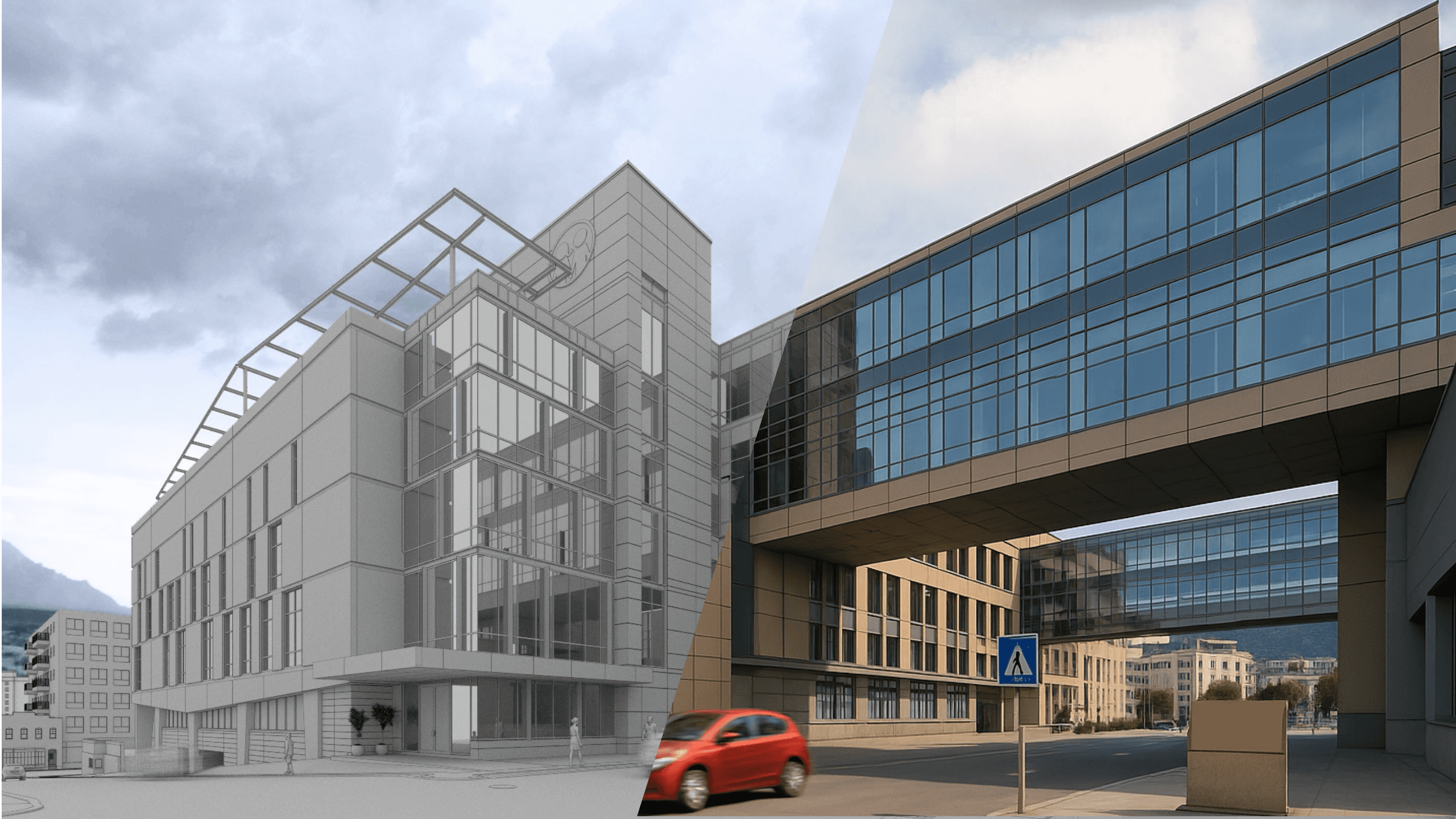
See the Transformation
Witness the power of AI-enhanced creativity with real examples
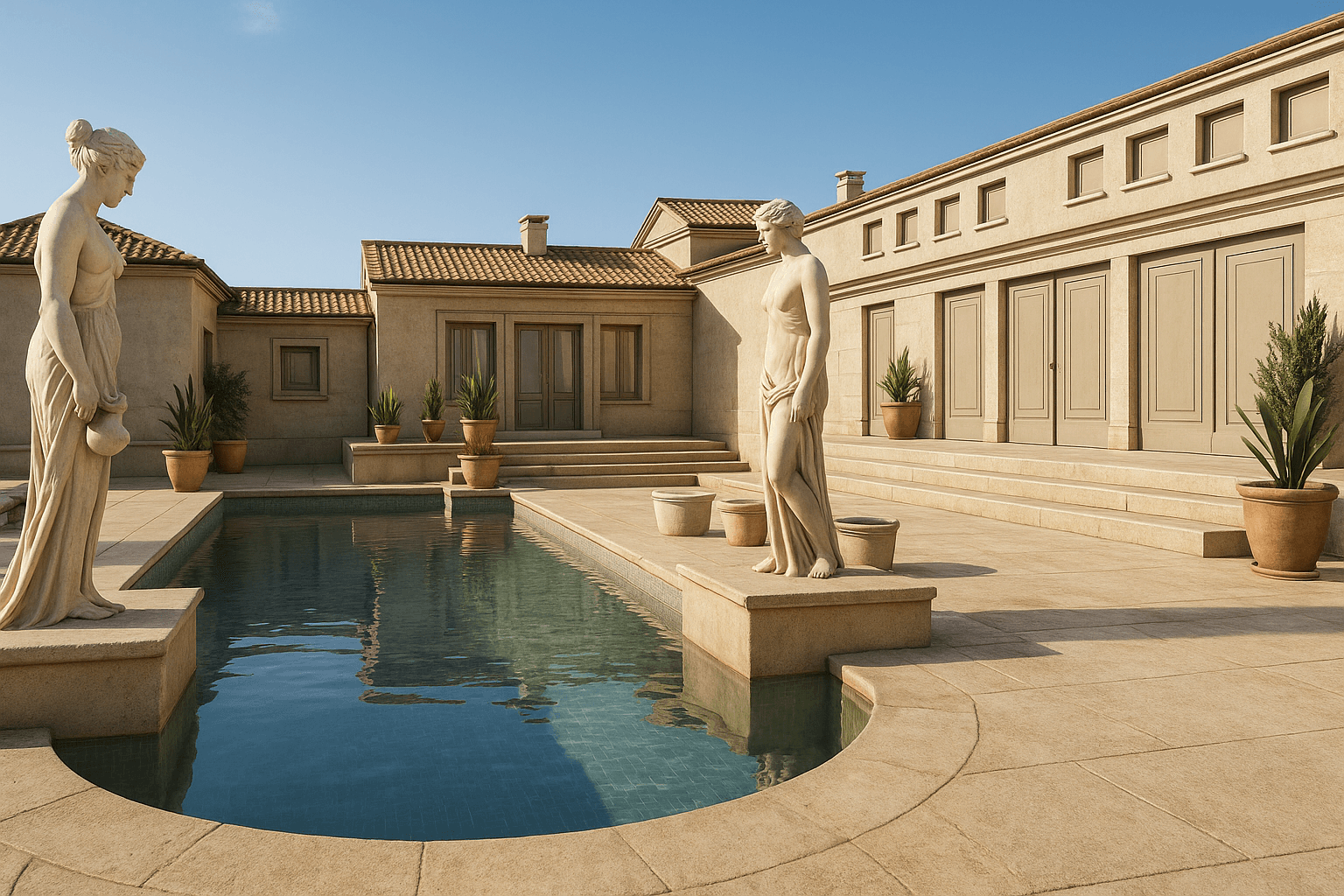
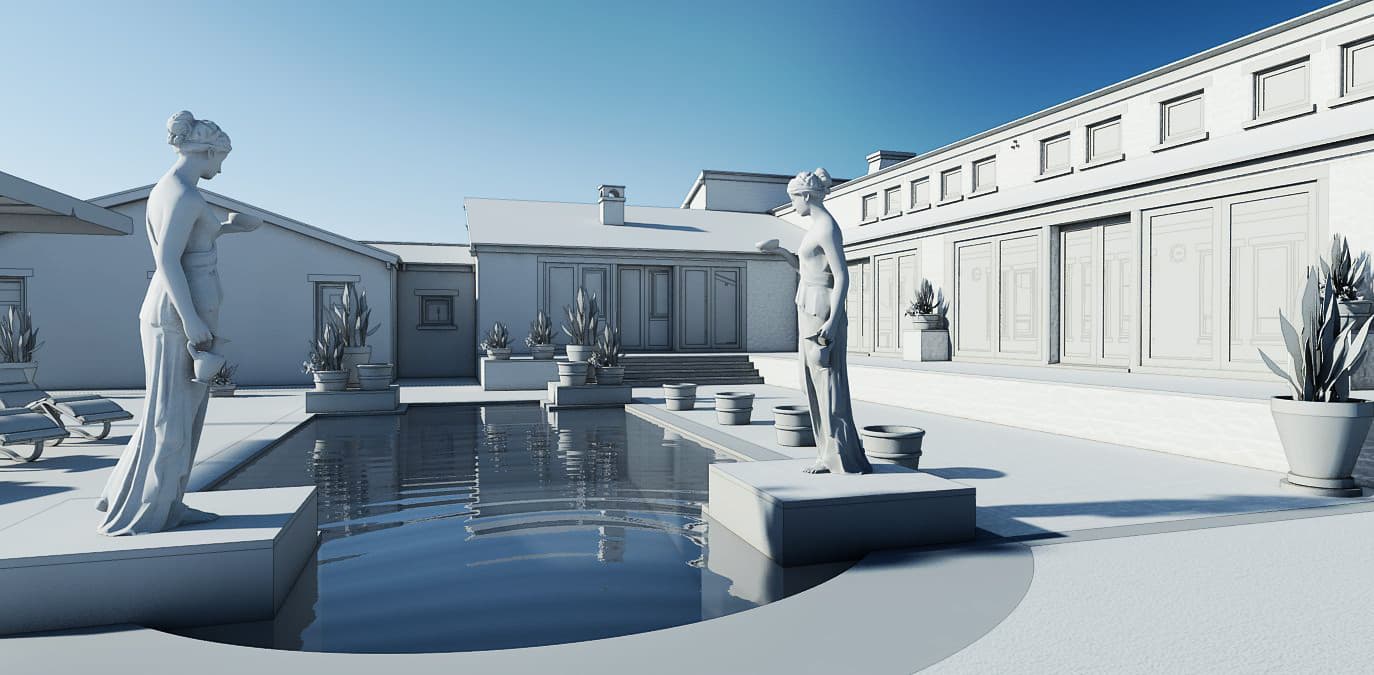
Roman-Inspired Pool Visualization
Transformed a plain clay render into a lifelike, luxurious pool scene with statues and Mediterranean charm.
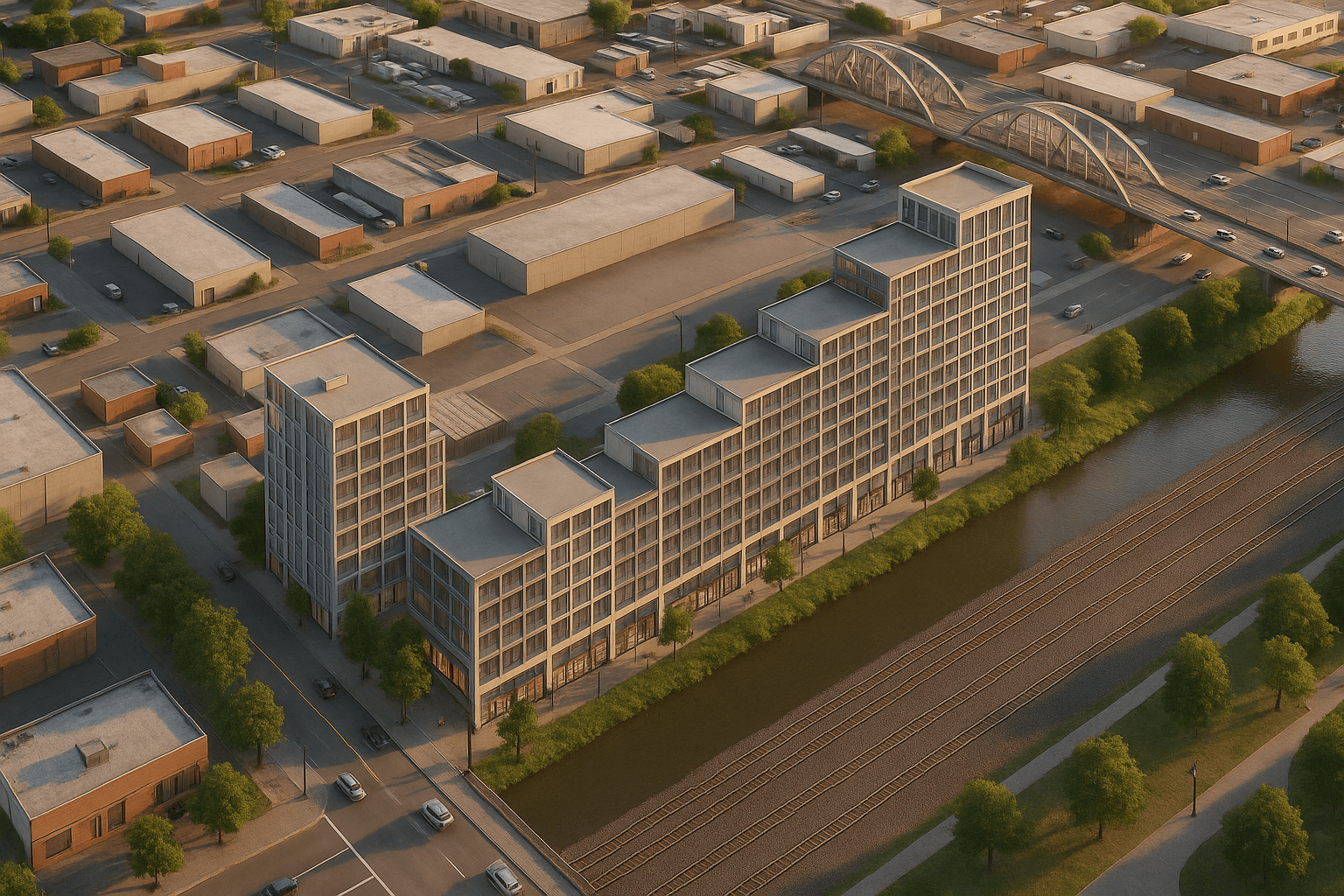
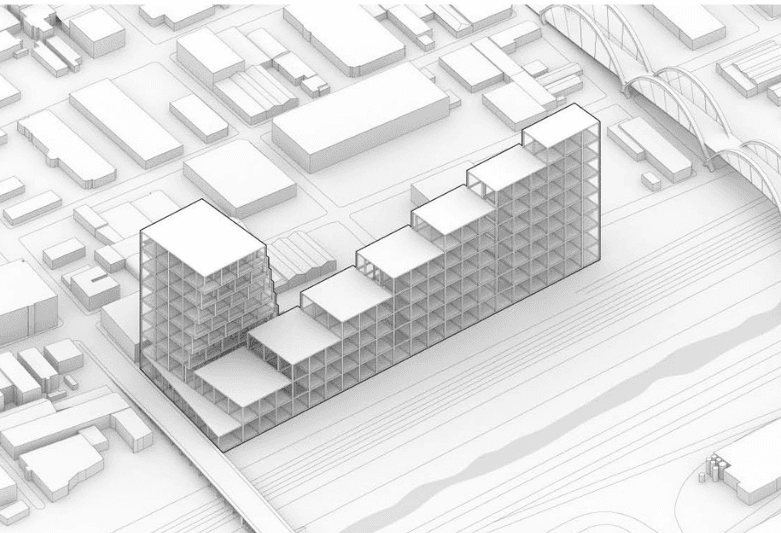
Modern Residential Block
Converted a basic architectural massing model into a detailed urban housing render with lighting and materials.
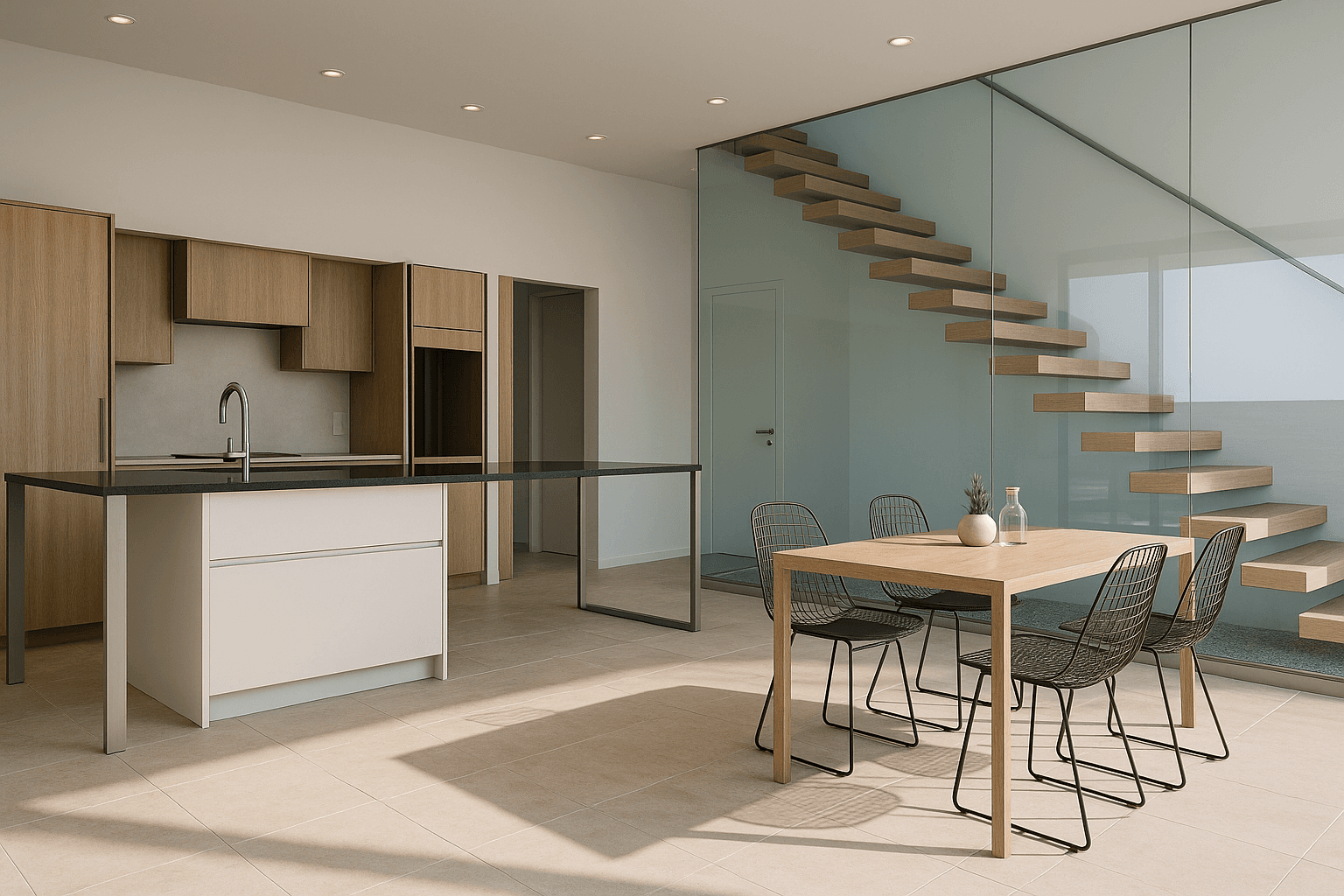
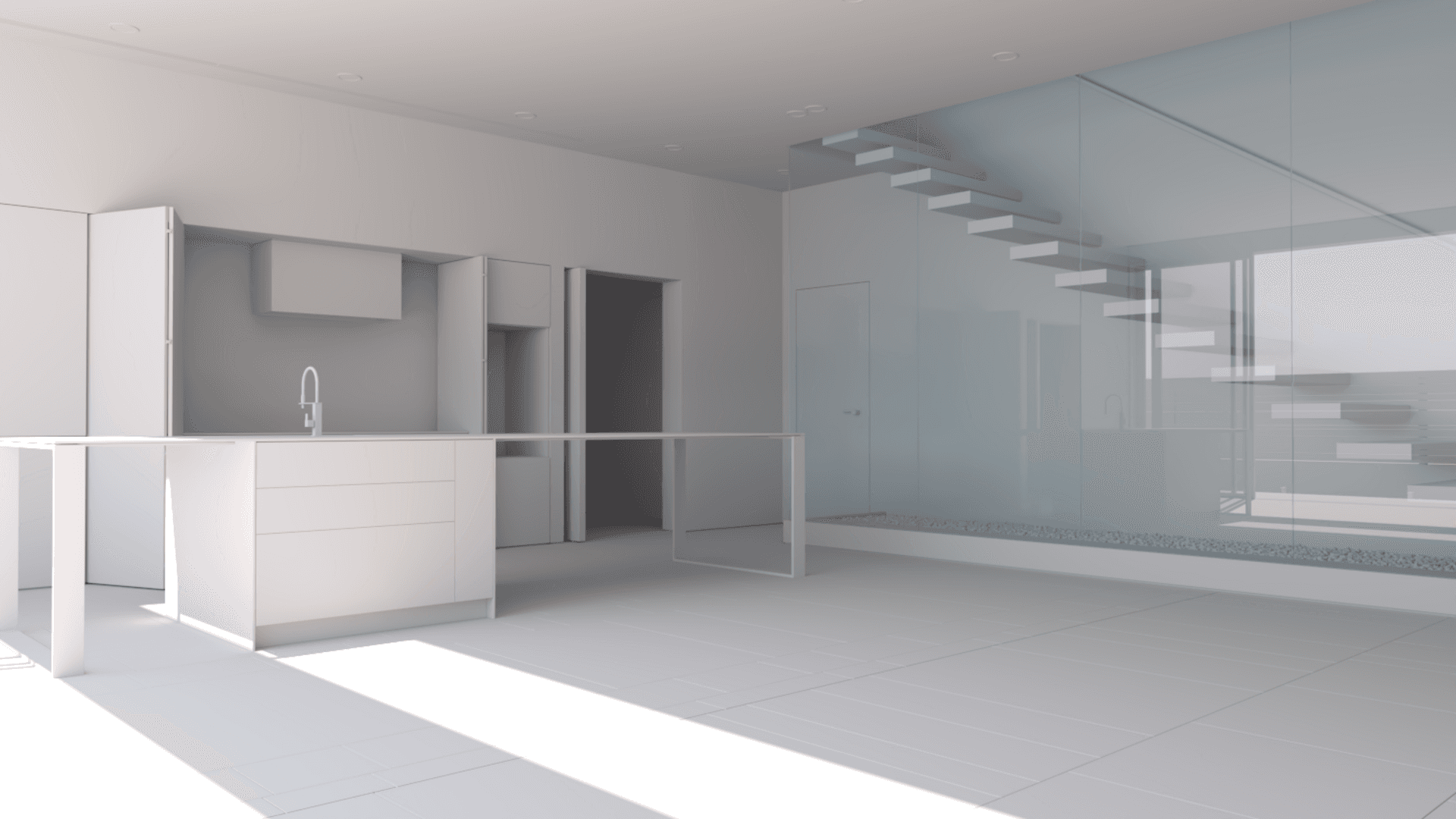
Minimalist Kitchen Interior
Upgraded a bare 3D kitchen layout into a warm, photorealistic living space with furniture, materials, and natural lighting.
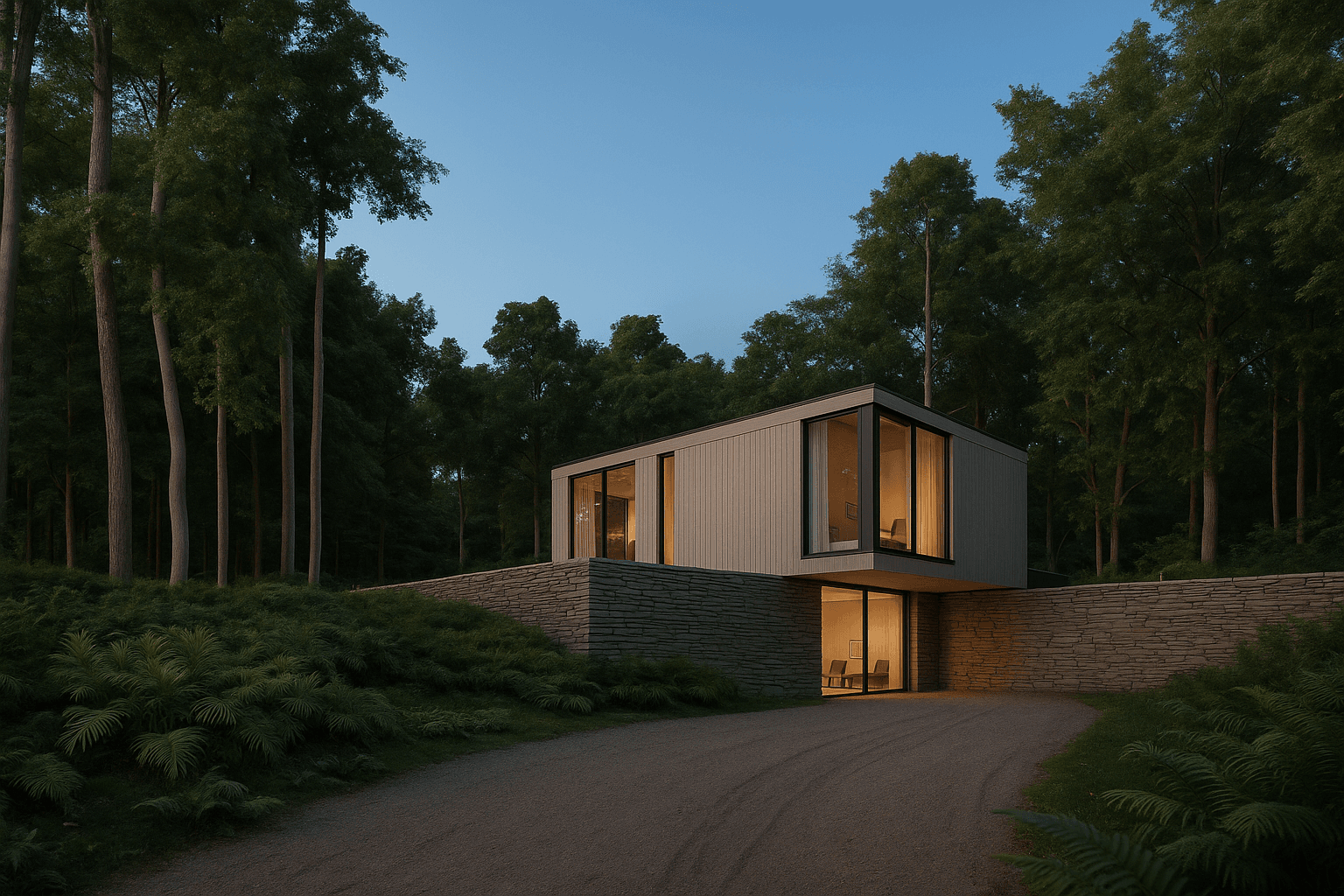
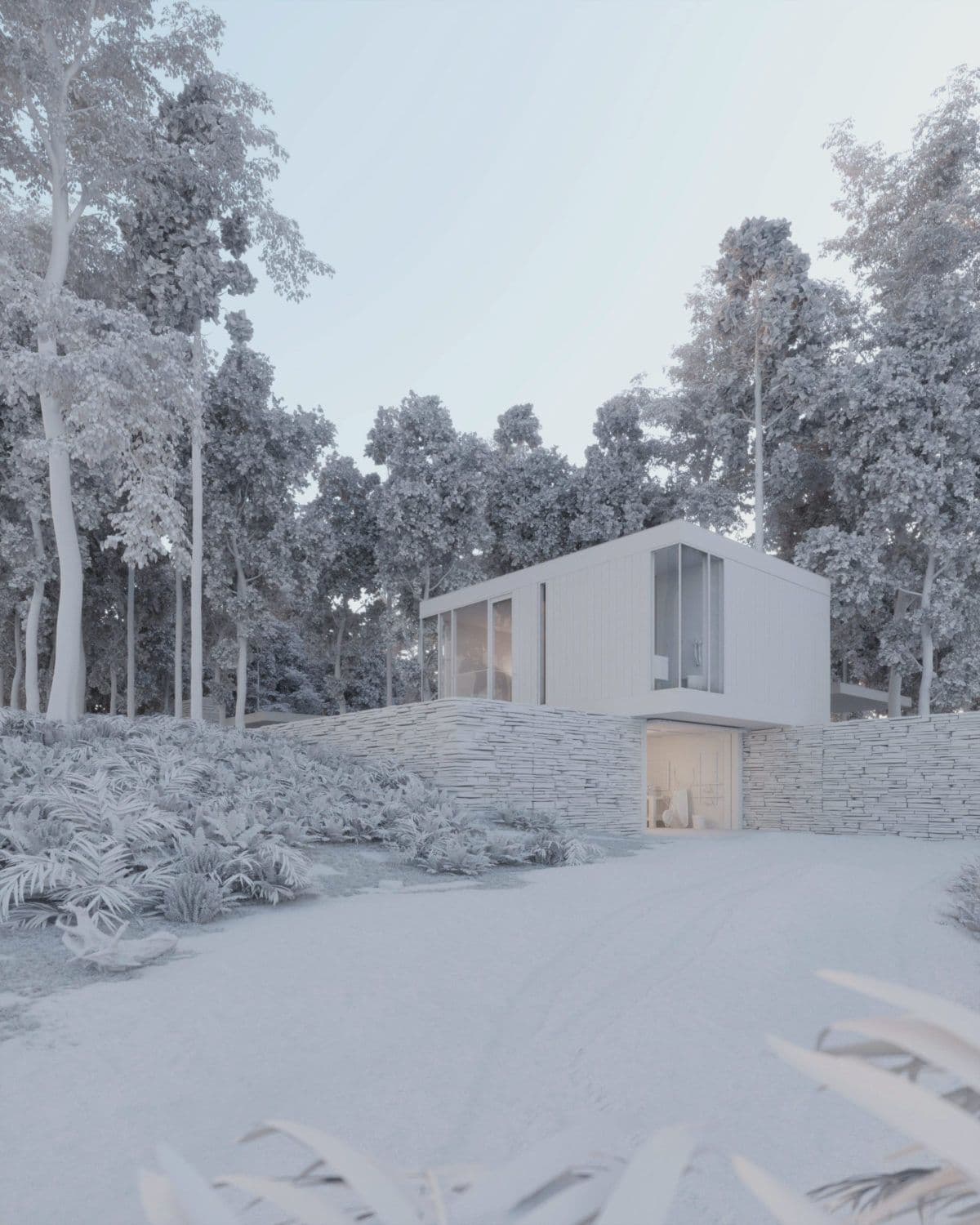
Forest House at Dusk
Enhanced a grayscale forest house model into a tranquil twilight render with realistic lighting and dense vegetation.

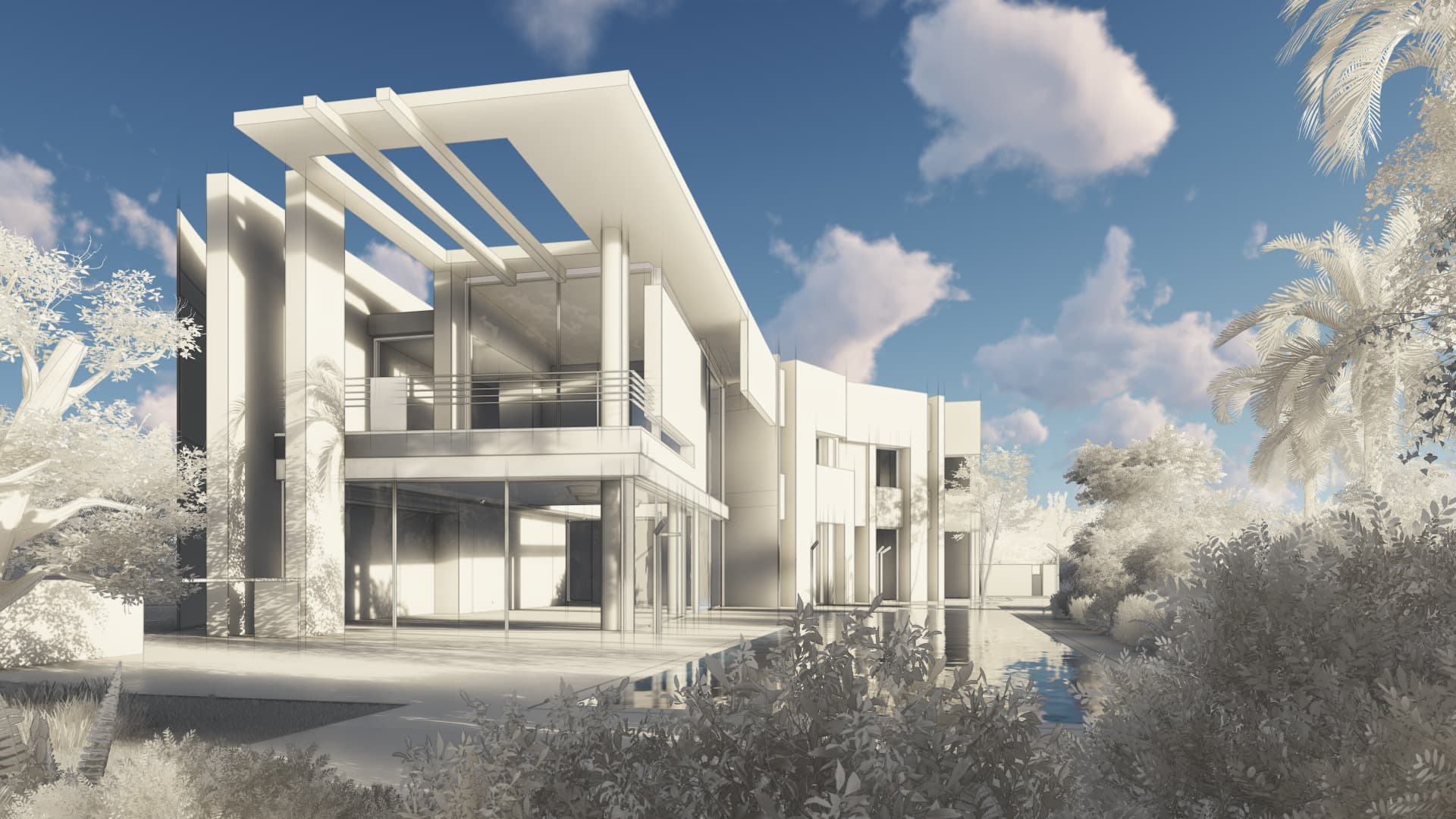
Contemporary Tropical Villa
Brought a clean clay model to life with vibrant lighting, reflections, and lush tropical landscaping.
Node-based creative control
Build complex visual workflows with our intuitive node system
Reference Asset Nodes
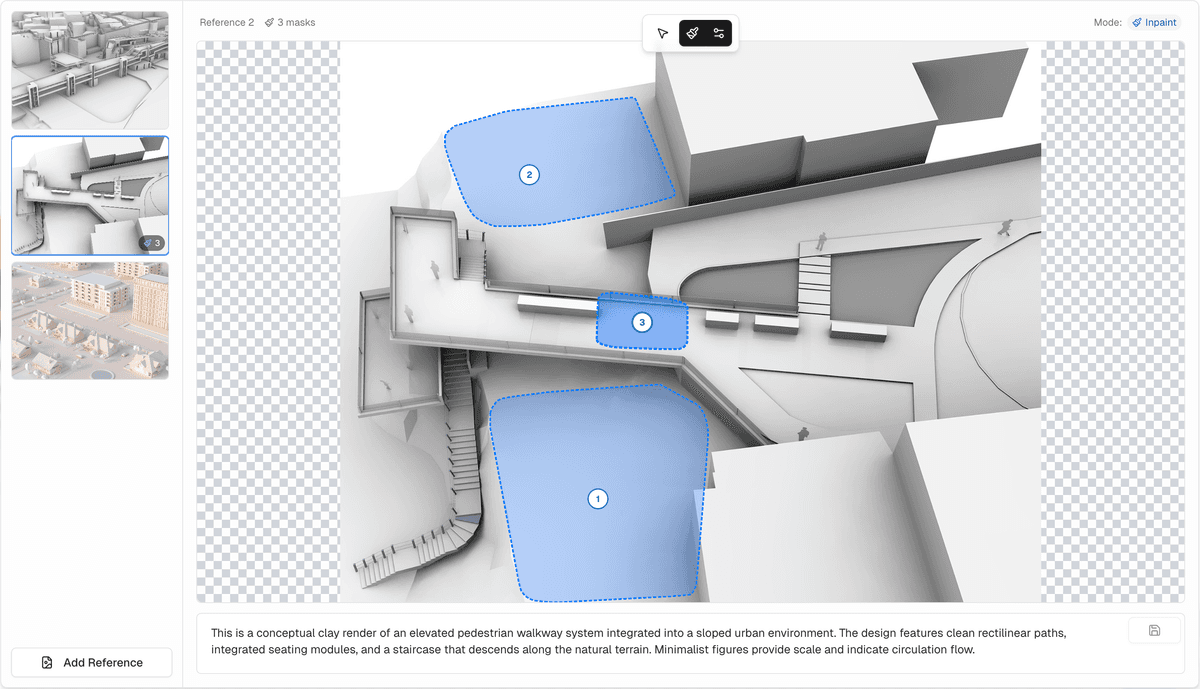
Upload images and add inpaint masks to highlight specific areas. Each reference can have its own description for precise control.
Prompt Nodes
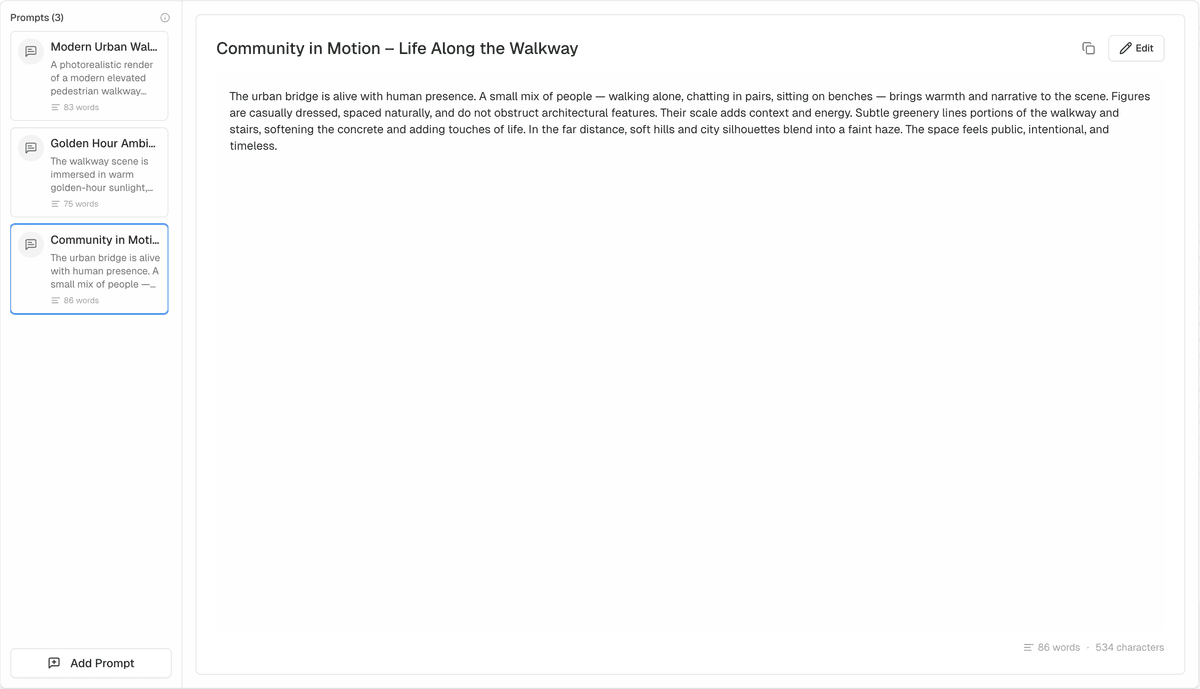
Add multiple prompts to your workflow. Layer descriptions and combine them for complex compositions.
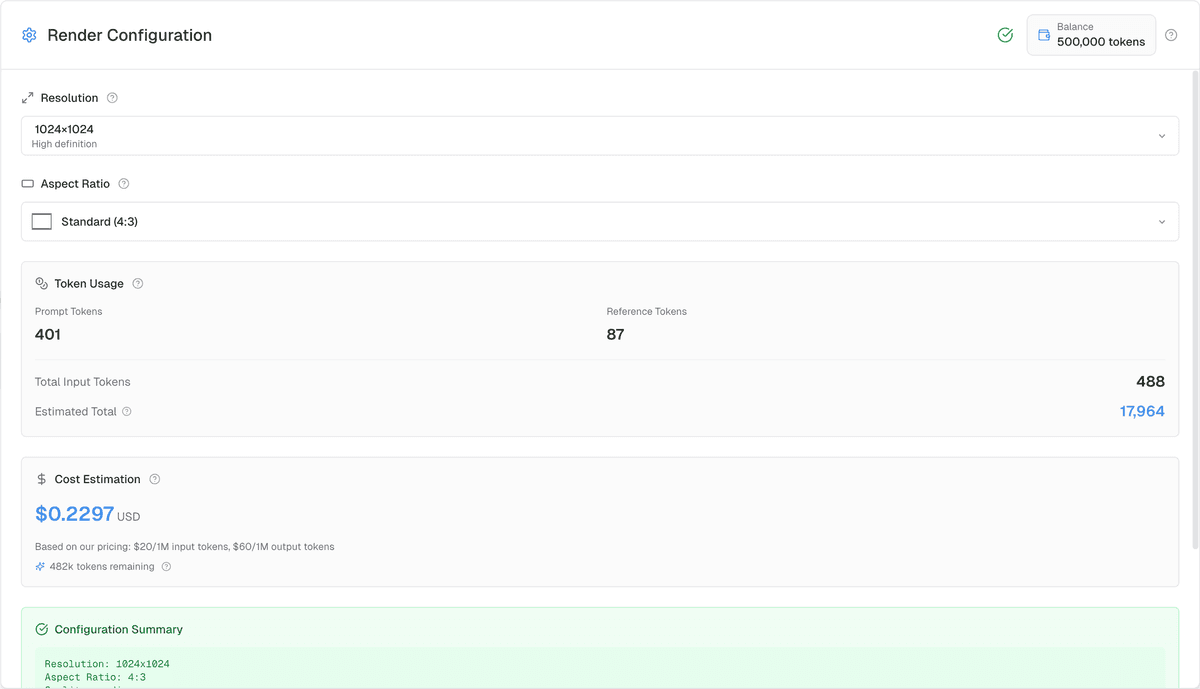
Configuration Node
Set resolution, aspect ratio, and see real-time token usage and cost estimates before rendering.
Render & Adjust Nodes
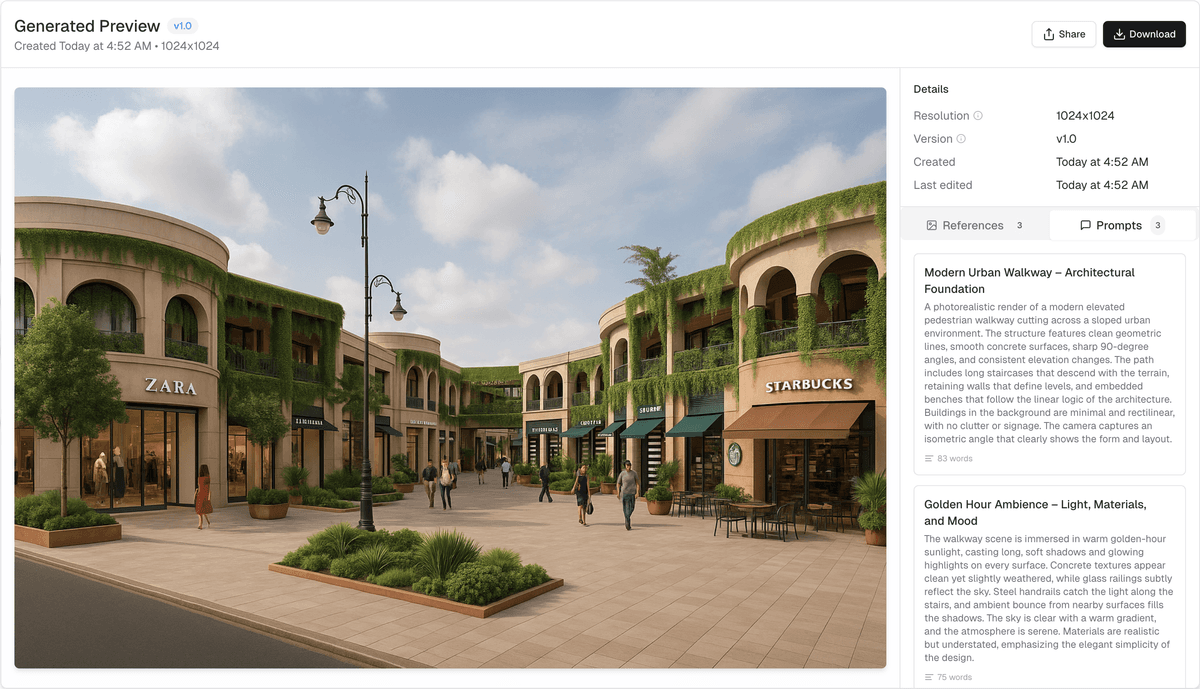
Generate your image and add adjustment nodes for post-processing. Create multiple render paths.
How Render Agent works
From concept to creation in minutes
Upload References
Add your reference images and create inpaint masks for specific areas you want to control
Add Prompts
Layer multiple text prompts to describe your desired output with precision
Configure Settings
Choose resolution, aspect ratio, and review token costs before rendering
Render & Refine
Generate your image and add adjustment nodes to perfect your creation
Why choose Render Agent
Simple, powerful tools for creative expression
Fast Rendering
Generate high-quality visuals quickly with our optimized rendering engine
Cost Transparent
See exact token costs before rendering. No hidden fees or surprises
Privacy First
Your images and prompts stay private. We don't use your data for training
Easy to Use
Intuitive node-based interface that makes AI creation accessible to everyone
Frequently asked questions
Everything you need to know about Render Agent
Ready to join the future of AI creativity?
Be among the first to experience Render Agent when we launch
Contact Us